
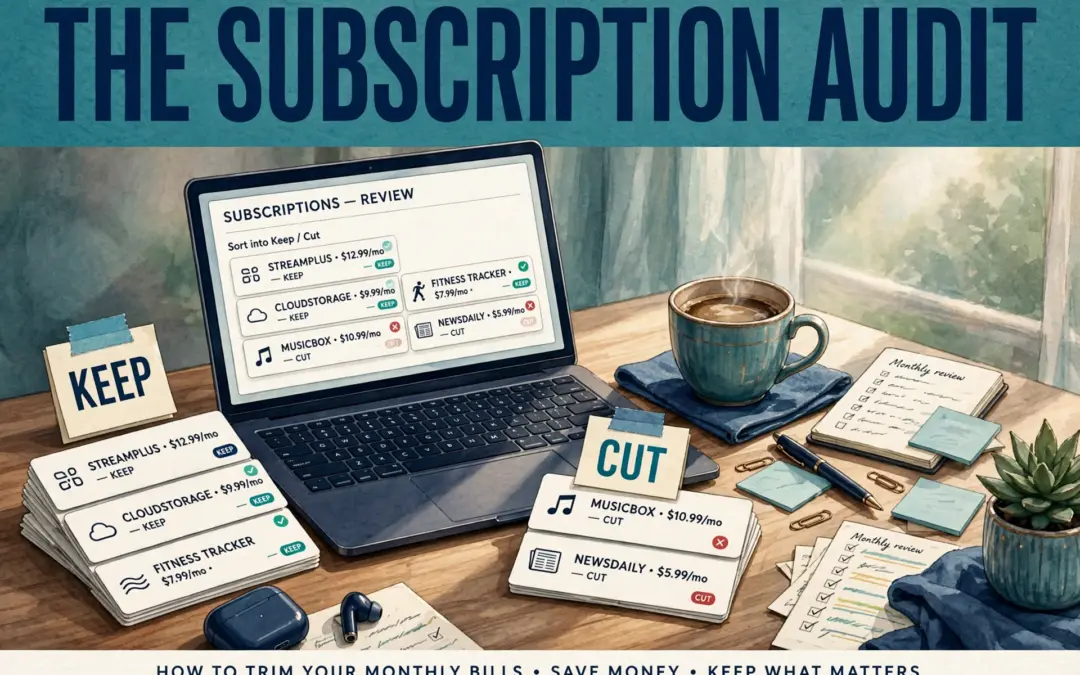
The Subscription Audit: Which of Your AI Tools Actually Earn Their Keep?
Black Friday is the most dangerous week of the year for your software budget. Not because of what you buy — because of what quietly renews. The annual plan you grabbed last November at 40% off is about to charge again, the “lifetime deal” turned out to be neither, and three free trials you started in a burst of optimism are now full-price subscriptions.
Most solo operators and small teams are running an AI stack assembled by enthusiasm rather than evidence. Five, eight, sometimes twelve tools — and if you ask which ones actually earn their keep, the answer is a shrug.
The fix is boring, and it works: a subscription audit. One hour, a spreadsheet, and honest answers. Here is the framework.
Step 1: Find Every Subscription You Actually Have
You cannot audit what you cannot see, and some of your subscriptions are hiding. Work through these sources:
- Card and bank statements for the last 90 days — search for the usual suspects and any charge you do not recognize
- Your email inbox — search “receipt,” “renewal,” “invoice,” and “your plan,” and note every hit
- App store subscriptions on your phone, plus recurring payments in PayPal
- Annual plans — divide by 12 and write down the true monthly cost, plus the renewal date
Build one list: tool, monthly cost, renewal date. For most people, this list alone is a small shock — and shocks are useful.
Step 2: Give Every Tool a Job Description
Next to each tool, write the one weekly job it does. Be specific. “Writes things” is not a job. “Drafts the weekly newsletter from my bullet notes” is a job. “Turns call recordings into follow-up emails” is a job.
This is the same discipline you would use with a person — the roles have to be written down before you can judge the work. It is the logic behind treating software like a hire in the first place; see Hire Your First AI Employee.
If you cannot name the weekly job, you already have your verdict. That tool is not underperforming. It is unemployed.
A subscription you can’t assign a weekly job to isn’t a tool. It’s a donation.
Step 3: Score It — Hours Saved Per Dollar
Now the numbers. For each tool, estimate three things honestly:
- Uses per week — check the tool’s history or activity log, not your memory; memory always rounds up
- Minutes saved per use — compared with doing the task by hand
- Monthly cost — from your Step 1 list
Weekly minutes saved = uses × minutes saved. Multiply by 4.33 for a monthly figure, divide by 60 for hours, then divide the monthly cost by those hours. That gives you the only number that matters: cost per hour saved.
Judge it against three bands:
- Under $2 per hour saved — earning its keep. Protect it.
- $2–$8 per hour saved — justify it, consolidate it, or demote it to a cheaper tier.
- Over $8 per hour saved — cut it, unless it directly produces revenue you can point to.
One trap to avoid: score annual plans at their true monthly cost, not at zero because “it’s already paid.” Sunk money is exactly what the audit exists to catch — a $290 annual plan you barely use is not free for the next nine months; it is $24 a month buying almost nothing. The reverse trap matters too: do not cancel a tool in an unusually heavy month and call the score typical. Judge against an ordinary week, not your best or worst one.
The Worked Example: A $118 Stack Becomes $49
Here is a realistic audit for a solo consultant paying $118 a month across five tools:
- ChatGPT Plus — $20/mo. Job: drafting and research. 20 uses a week × 15 minutes saved = about 21.7 hours a month, or roughly $0.92 per hour saved. Verdict: keep. It is the cheapest employee in the business.
- Claude Pro — $20/mo. Bought “for coding,” actually used for the same drafting as ChatGPT, 4 times a week. About 4.3 hours saved a month = $4.62 per hour. Verdict: overlap. Consolidate into one chatbot and cancel.
- A dedicated AI copywriting tool — $39/mo. Three uses a week, 10 minutes saved each: about 2.2 hours a month, or $18 per hour saved. Verdict: cut. The general chatbot already does this job.
- Zapier — $29/mo. Nobody “uses” it — it runs. Roughly 140 automation runs a week saving 3 minutes each comes to about 30 hours a month, under $1 per hour saved. Verdict: keep — and note the lesson: judge automations by runs, not by logins.
- An AI image tool — $10/mo. One use a week, 20 minutes saved: about $6.90 per hour. Verdict: downgrade to the free tier or pay per image.
Total after the audit: $49 a month — the same work done, $828 a year recovered. Nothing about the business got worse. The donations stopped.
Step 4: Kill the Overlaps
The most common pile-up is drafting: a chatbot, a second chatbot “for a different style,” and a dedicated writing tool — three subscriptions doing one job. Pick the one with the highest real usage and cancel the other two. Loyalty is not a line item.
Also check for absorbed features. Your main chatbot may now do image generation, web research, and document analysis that you still pay separate tools for. Vendors add features constantly; your stack should shrink accordingly. Platforms like Make and Notion have absorbed whole categories of point tools in the last two years — every absorption is a cancellation waiting to happen.
Step 5: Keep What’s Tied to Revenue or Hours — and Re-Audit Quarterly
What survives the audit should pass one of two tests: it is tied to revenue (client deliverables, sales, content that brings in business), or it returns verifiable hours every single week. “Might be useful someday” fails both.
Then make it a habit:
- Put every renewal date on your calendar with a one-week warning
- Re-run the audit quarterly — 30 minutes once the list exists
- Apply the same scoring to every Black Friday deal before you buy it, not after it renews
If your audit shows the stack is lean but the business still feels stuck, the leak is probably not software — it is the model. That is the problem The AI Business Empire Blueprint by Digital Life Manager was built to solve: a $17 consultant kit (Gumroad only) for structuring an AI-powered one-person business — offers, revenue streams, and the operating system to run them — so the tools you keep have something profitable to do. It pairs well with the workflow thinking in One Livestream, Seven Assets.
Run the audit this week, while the renewal emails are still arriving. An hour of honesty now beats twelve months of donations.